FR EN
Integration • AI Transcription

Nicoka x Noota
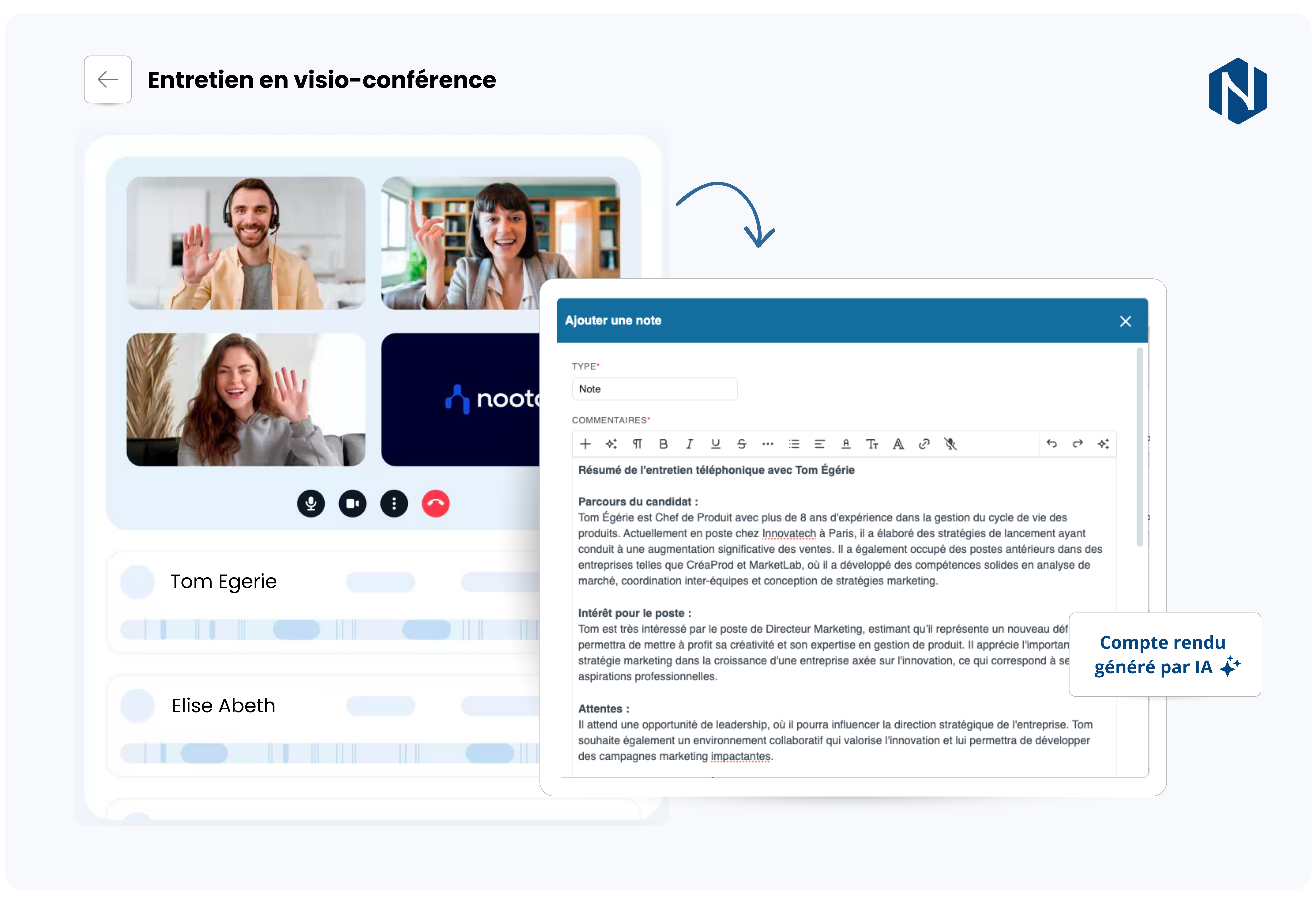
Noota x Nicoka integration illustration

Automate the transcription of your interviews, centralise your reports and structure your exchanges directly in Nicoka.

With the Noota integration, you save time while making your recruitment data more reliable.

Noota x Nicoka integration illustration

Why choose Noota alongside Nicoka?

The integration between Noota and Nicoka automatically links your transcriptions and summaries to the relevant candidate, contact or opportunity records.

You get full traceability of your exchanges, optimal information structuring and immediate access to the key elements for your decisions.

Less admin, more added value: your teams stay focused on what matters most.

What you get in practice

  • Transcriptions automatically saved to the right record
  • Complete, centralised exchange history
  • Less manual data entry after each interview
  • Better collaboration between recruiters and teams
  • Structured, immediately actionable data

The key benefits

Automated reports, real time savings and better collaboration across your teams.

Accurate automatic transcription

Instant summaries

Centralised exchanges

Significant time savings

Simplified sharing

Native integration

FAQ

What are the prerequisites for using Noota with Nicoka?

Before installing the integration, you need an active Noota account, admin rights in Nicoka and an email address filled in on the relevant candidate or contact profiles.

How do the reports appear in Nicoka?

Once the connection is established, Noota's AI reports are automatically linked to the right candidate or contact records in Nicoka.

Can I use Noota from my smartphone?

Yes. Noota offers mobile apps that let you record calls and meetings, in addition to online video conferences.

Does Noota work with my meeting tools (Zoom/Teams/Meet)?

Yes. Noota integrates with the most widely used video conferencing platforms to capture and transcribe your meetings.

Useful resources

Quick access to the resources for switching on and getting the most out of the Noota integration with Nicoka.

User guide

Read our dedicated article to understand how the integration works and the best practices to follow.

Use Noota with Nicoka →

Noota official site

Discover all the features Noota offers and its use cases for your teams.

Explore Noota →

Ready to automate your interview reports?

Talk to an expert and find out how to integrate AI transcription directly into your Nicoka environment.

Talk to an expert