Instant messaging • Candidate engagement

Nicoka x WhatsApp
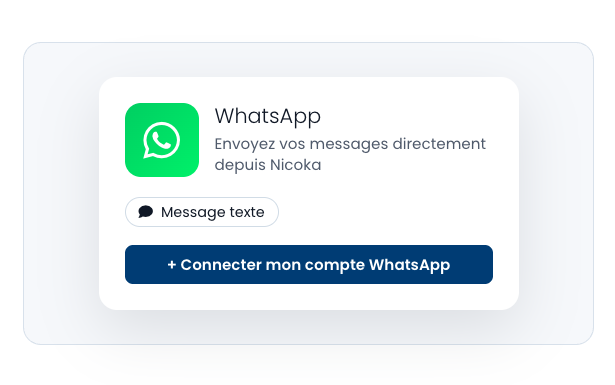
WhatsApp x Nicoka integration illustration

Contact your candidates and contacts faster with the WhatsApp integration in Nicoka.

From a candidate record, a contact record or a job ad, start a WhatsApp conversation in a few clicks, without re-entering the phone number when it is already filled in.

The goal: smoother exchanges, faster outreach and centralised communication actions directly in your Nicoka environment.

WhatsApp x Nicoka integration illustration

Why choose WhatsApp alongside Nicoka?

The integration between WhatsApp and Nicoka lets you communicate with your candidates and contacts on a channel they already use every day.

From a candidate record, a contact record or a job ad, you can start a WhatsApp conversation in a few clicks, without having to look up or re-enter the phone number.

You gain responsiveness, improve the candidate experience and make exchanges easier throughout the recruitment process or business relationship.

What you get in practice

  • Start a WhatsApp conversation in one click
  • No number to copy or re-enter manually
  • Faster communication with candidates
  • Better candidate experience and improved response rate
  • Simple integration, directly accessible in Nicoka

The key benefits

Reach your candidates and contacts more easily with a fast, modern communication channel built directly into Nicoka.

WhatsApp conversation in one click

Mobile and instant communication

Better candidate responsiveness

Faster outreach

No number re-entry

Improved candidate experience

FAQ

How do I start a WhatsApp conversation from Nicoka?

From a candidate record, a contact record or a job ad, click the WhatsApp button to start a conversation directly.

Do I need to re-enter the phone number?

No. If the number is already filled in in Nicoka, it is automatically used to open the WhatsApp conversation.

Is the WhatsApp button available on the ATS and CRM sides?

Yes. The button is available on candidate records (ATS side) and contact records (CRM side) to unify the user experience.

Why use WhatsApp in a recruitment process?

WhatsApp lets you reach candidates faster, make exchanges smoother and improve responsiveness throughout the recruitment process.

Are WhatsApp exchanges automatically saved in Nicoka?

The integration primarily lets you start a WhatsApp conversation quickly from Nicoka. The exchanges themselves are then managed in WhatsApp.

Useful resources

Quick access to the resources for discovering and getting the most out of the WhatsApp integration with Nicoka.

User guide

Read our dedicated article to find out how to contact your candidates and contacts via WhatsApp directly from Nicoka.

Use WhatsApp with Nicoka →

WhatsApp official site

Discover WhatsApp's instant messaging features for easy communication with your candidates and contacts.

Explore WhatsApp →

Ready to reach your candidates faster?

Find out how WhatsApp and Nicoka can help you make exchanges smoother, improve your responsiveness and simplify outreach with your candidates and contacts.

Talk to an expert